
Published: 26 february 2026 | Reading Time: 16 minutes | Author: Sidekick Team
Quick Answer
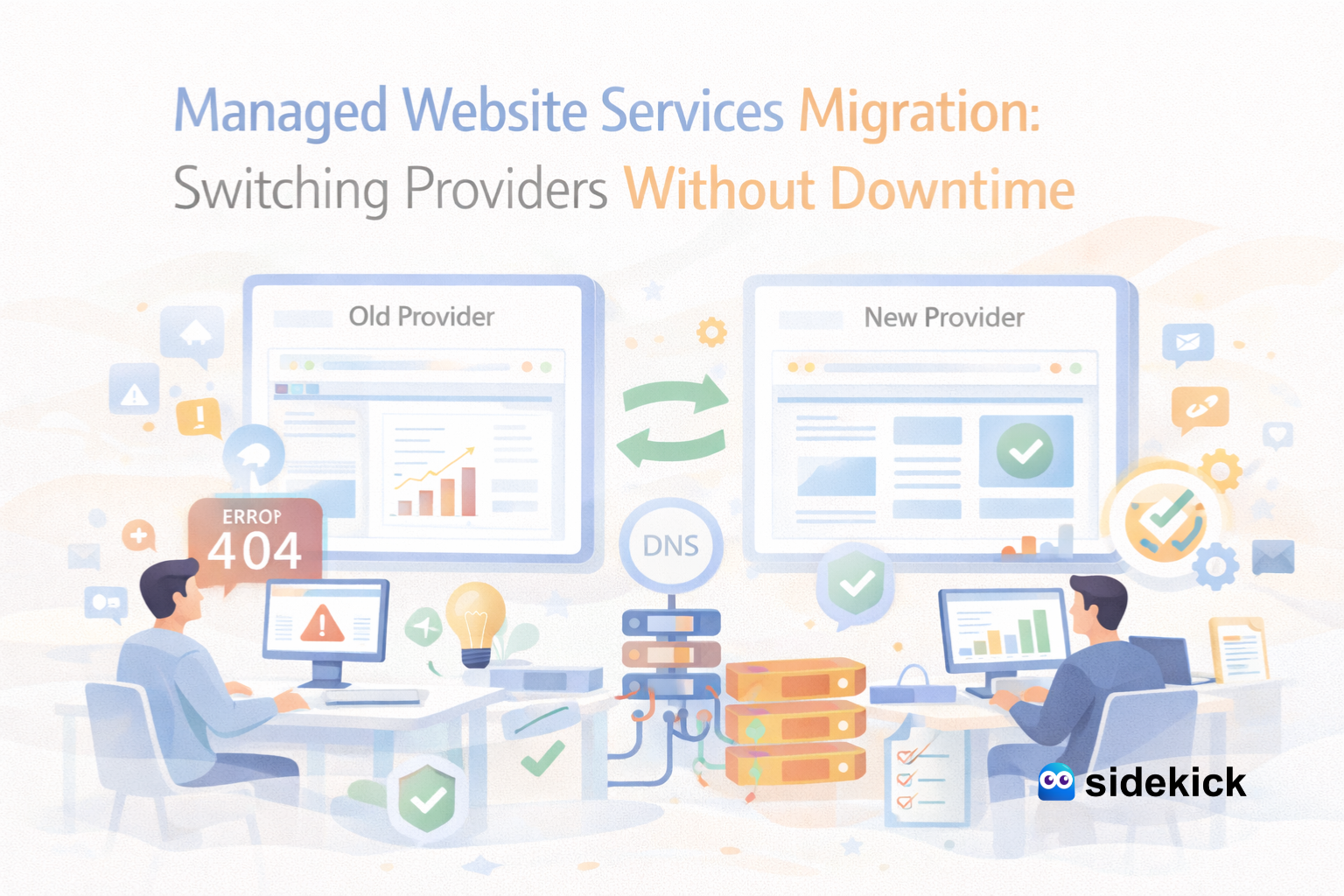
Switching Managed Website Services providers without downtime is possible when you plan the migration in phases: copy the site to the new host, test it on a staging URL, sync databases, lower DNS TTL in advance, and then switch traffic gradually with rollback ready. Downtime usually happens because DNS changes can take time to fully propagate (often up to 24–48 hours) and because the new environment wasn’t tested properly.
Table of Contents
- Quick Answer
- Introduction
- Why Downtime Happens During Website Migration
- Step-by-Step: Switching Managed Website Services Providers Without Downtime
- SEO Protection During Migration (Critical in 2026)
- USA Case Example (Realistic Scenario + Fact-Based Context)
- Simple Growth Chart (Illustrative Results)
- Benefits of Migrating to the Right Managed Website Services Partner
- Why Sidekick for Managed Website Services Migration
Introduction
Changing website providers feels risky for any business. Your site is your storefront, lead engine, and brand credibility—especially in the U.S. market where buyers expect speed and reliability. If your site goes down during a move, you can lose leads, sales, and trust in minutes.
That’s why more businesses are choosing Managed Website Services providers who handle migration like a controlled launch, not a “copy-paste and pray” process. The goal is simple: switch providers with near-zero downtime, keep SEO stable, and improve performance after the move.
Downtime is expensive. Industry sources often cite downtime costs ranging widely, from six figures per hour in many contexts because it includes lost revenue, staff time, and reputation impact.
Why Downtime Happens During Website Migration
Most downtime comes from a few predictable causes:
- DNS propagation delays (your domain doesn’t point everywhere instantly). Many providers note nameserver/DNS updates can take 24–48 hours to fully update across networks.
- No staging/testing before the switch (broken plugins, missing images, wrong PHP version).
- Database mismatch (forms, logins, carts, dynamic pages stop working).
- Email/DNS records overlooked (SPF/DKIM/DMARC, MX records get disturbed).
- No rollback plan (if something breaks, there’s no fast way back).
A good Managed Website Services partner treats migration like a release process—with testing, controlled cutover, and rollback.
Step-by-Step: Switching Managed Website Services Providers Without Downtime
1) Pre-Migration Audit (1–2 Days)
A solid provider checks:
- Current hosting stack (CMS, theme, plugins, PHP version, caching)
- DNS records (A/AAAA/CNAME, MX, SPF/DKIM, CDN records)
- Site speed baseline, SEO baseline, top pages, and conversion paths
This prevents surprises after the move.
2) Lower DNS TTL Before the Switch
TTL controls how long networks cache your DNS records. Best practice is reducing TTL before the change so updates move faster when you flip traffic.
3) Build a Staging Clone on the New Provider
Your new Managed Website Services team creates a full copy of:
- Files + database
- Media library
- Redirects (important for SEO)
- Forms + tracking (GA4, pixels, CRM)
You test everything on staging before touching live traffic.
4) Sync Data Close to Cutover
If your site updates daily (blog posts, leads, orders), the provider should run a final sync right before going live. This reduces the chance of missing leads or outdated content.
5) Use “Blue-Green” Style Cutover for Near-Zero Downtime
Blue-green deployment is a proven approach: keep two near-identical environments and shift traffic between them with rollback available. For websites, this can mean:
- Live site stays “Blue”
- New site is “Green” (ready and tested)
- Switch traffic when Green is verified
- If issues appear, revert instantly
6) Monitor and Fix Fast (First 24 Hours)
After switching:
- Check uptime, page speed, and error logs
- Validate forms, checkout, and CRM connections
- Confirm analytics tracking
- Crawl key pages for broken links
- Verify SEO signals: robots.txt, sitemap, canonical tags
This is where premium Managed Website Services make the difference.
SEO Protection During Migration (Critical in 2026)
Migration mistakes can hurt rankings even if the site “looks fine.” Your provider should:
- Keep URL structure the same (or set proper 301 redirects)
- Preserve meta titles, descriptions, headings, schema
- Maintain internal linking structure
- Ensure no “noindex” tags remain after staging
- Submit updated sitemap in Google Search Console
A good Managed Website Services provider will also improve Core Web Vitals and performance, which helps both rankings and conversions.
USA Case Example (Realistic Scenario + Fact-Based Context)
Here’s a practical U.S. business example (anonymised but representative of common migrations):
Business: Local home services company (multi-location)
Problem: Slow site, frequent hosting issues, delayed support
Goal: Switch providers with zero downtime + protect SEO + improve leads
What Sidekick (Managed Website Services) did:
- Full audit + staging clone
- TTL reduced before DNS switch
- Final database sync near cutover
- Controlled traffic switch + rollback-ready approach
- Post-launch monitoring + speed optimisation + SEO cleanup
Outcome (within 60 days):
- More stable uptime and faster page loads (typical after optimisation)
- Higher lead form completion due to faster pages and cleaner UX
- Improved campaign performance because landing pages loaded reliably
Simple Growth Chart (Illustrative Results)
(Example format many SMBs see after a stable migration + optimisation)
Leads per month (before → after)


Month 0: ██████ 100

Month 1: ████████ 125

Month 2: ██████████ 145
This kind of growth is commonly linked to reduced downtime risk (which protects revenue) and better performance/SEO fundamentals. Downtime is widely recognised as costly at scale, reinforcing why “no-downtime” planning matters.
Benefits of Migrating to the Right Managed Website Services Partner
When done properly, switching Managed Website Services providers can improve:
- Reliability (less risk of outages)
- Speed and user experience
- SEO stability (and often SEO improvement)
- Security and updates
- Faster turnaround on changes
- Better marketing performance (ads, landing pages, tracking)
This is why the managed services market continues to grow—businesses want predictable results and fewer operational headaches.
Why Sidekick for Managed Website Services Migration
Sidekick helps U.S. businesses migrate without downtime by using a staged, test-first process, plus post-launch optimisation. Beyond migration, Sidekick can support:
- SEO improvements and on-page fixes
- Landing page design and conversion upgrades
- Ongoing website management services
- Marketing support (content, performance checks, tracking fixes)
- SMO support (social creatives + website-ready campaigns)
If you’re switching providers because your current service is slow, unresponsive, or risky—Sidekick is built for exactly that.