Published: 12 february 2026 | Reading Time: 17 minutes | Author: Sidekick Team
Quick Answer
The biggest website management mistake US web pros see is treating a Website Maintenance Service like a “once-in-a-while fix” instead of a weekly system—because small issues (slow pages, broken forms, outdated plugins, missed SEO basics) quietly cut leads, rankings, and trust. That’s exactly why teams use a managed platform like Sidekick to keep updates, security, SEO, and marketing tasks running on schedule.
Table of Contents
- Quick Answer
- 25 Web Professionals Share Their Biggest Website Management Mistake
- Why website management matters more in 2026
- The 25 Mistakes
- A simple “growth chart” you can use as a benchmark
- USA case study style example
- The benefits of doing it “the right way”
- A practical weekly checklist
- Conclusion
- FAQs
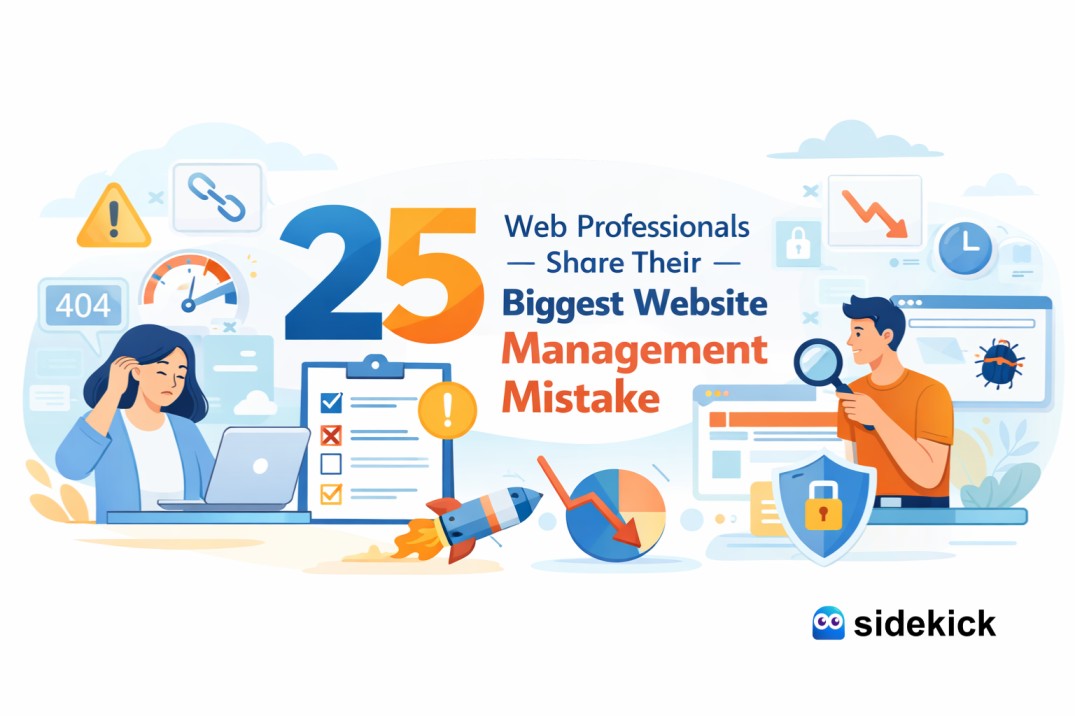
25 Web Professionals Share Their Biggest Website Management Mistake
If you run a small business website in the USA, “website management” usually becomes urgent only when something breaks. A form stops working. The site gets slow. Your homepage looks fine, but leads drop. Or you notice your Google rankings slipping and you can’t explain why.
In the SaaS world, that pattern is expensive because customers have endless alternatives. Global cloud and IT spending keeps rising, and competition keeps getting sharper. That’s why consistent maintenance and marketing execution isn’t “extra”—it’s survival.
As a services provider, we see the same issues again and again. Below are 25 of the most common “biggest mistakes” web professionals point out. Think of these as the lessons they’d want every business owner to learn early—so you don’t pay for them later.
Why website management matters more in 2026 (SaaS + digital reality)
The SaaS economy and cloud adoption keep accelerating, and that changes customer expectations. People expect fast sites, clean UX, strong security, and instant credibility. Gartner forecasted worldwide public cloud end-user spending to rise from $595.7B in 2024 to $723.4B in 2025, showing how quickly businesses are shifting to always-on digital operations.
At the same time, security and trust are more expensive than ever to lose. IBM reported the average global cost of a data breach reached $4.88M (Cost of a Data Breach 2024). So yes—website management is now a growth function, not just an “IT thing.”
The 25 Mistakes
- 1) “We shipped the site and stopped maintaining it.” Fix: Put your Website Maintenance Service on a weekly cadence.
- 2) “We didn’t monitor downtime and assumed hosting was fine.” Fix: Uptime monitoring + incident alerts + a recovery plan.
- 3) “We let the website become slow—and didn’t treat it as a ranking risk.” Fix: Image compression, caching, removing heavy scripts, improving hosting, and reducing layout shift.
- 4) “We ignored mobile experience because desktop looked okay.” Fix: Mobile-first layouts, bigger tap targets, shorter forms, faster load.
- 5) “We didn’t secure the site—and assumed ‘we’re too small to be targeted.’” Fix: Security updates, MFA, backups, malware scanning, and least-privilege access.
- 6) “We had no consistent backup strategy.” Fix: Daily backups + monthly restore tests.
- 7) “We didn’t track leads properly.” Fix: GA4 + conversion events + call tracking + form testing after every update.
- 8) “We wrote content for ourselves—not for search intent.” Fix: Build pages around intent (e.g., “Website Maintenance Service for small business”).
- 9) “We never created service landing pages.” Fix: Create focused pages like “Emergency website support.”
- 10) “We published blogs but didn’t interlink them to money pages.” Fix: Internal links from blog → service page, plus clear CTAs.
- 11) “We used the same title tag on multiple pages.” Fix: Unique titles + matching meta descriptions per page.
- 12) “We forgot local trust signals.” Fix: Add testimonials, FAQs, refund/support policy, and clear business identity.
- 13) “We didn’t update old pages.” Fix: Quarterly refresh: update copy, images, FAQs, and examples.
- 14) “We treated SEO as ‘keywords only’ and ignored UX.” Fix: Clear navigation, scannable content, better readability, and faster pages.
- 15) “We chased too many tools instead of a simple system.” Fix: Simplify your stack. Use one workflow hub (like Sidekick).
- 16) “We posted on social media without a website conversion path.” Fix: Every post should link to a dedicated landing page with a single CTA.
- 17) “We didn’t maintain brand consistency.” Fix: One style guide + consistent templates for pages.
- 18) “We used stock photos that didn’t match the business.” Fix: Add real screenshots, short case snippets, before-after examples, and reviews.
- 19) “We didn’t optimize forms for conversion.” Fix: Reduce fields, add trust text, test on mobile, and add a “thank you” conversion event.
- 20) “We forgot technical basics like redirects and broken links.” Fix: Monthly broken-link scans + redirect rules during page updates.
- 21) “We launched without schema and FAQs.” Fix: Add Organization schema + FAQ schema on key service pages.
- 22) “We didn’t plan content clusters.” Fix: Build clusters around core topics.
- 23) “We didn’t measure what content actually converts.” Fix: Track assisted conversions and measure which pages drive calls.
- 24) “We didn’t have a monthly reporting habit.” Fix: Monthly dashboard (Leads, Conversion rate, Top pages).
- 25) “We tried to do it all ourselves and burned out.” Fix: Use a managed Website Maintenance Service or a platform like Sidekick.
A simple “growth chart” you can use as a benchmark
Below is a practical trend chart we often see when an SMB switches from reactive fixes to a consistent maintenance system (maintenance + speed + SEO basics + conversion tracking). This is a directional example based on common outcomes—your results vary by niche and competition.
Leads per month
Month 1 | ████
Month 2 | █████
Month 3 | ███████
Month 4 | █████████
Month 5 | ███████████
Month 6 | ████████████
Why it improves: Faster site (better UX + better conversions), Fewer outages (more reliability), Better page experience signals, More focused content + internal linking, Social traffic landing on better pages.
USA case study style example (illustrative, service-provider view)
Business type: US local service brand (multi-location)
Problem: Leads dropped; site felt “fine” visually, but it was slow and forms failed sometimes.
What we did (Sidekick-style workflow): Weekly updates + backup tests, Speed improvements + image compression, Form monitoring + conversion tracking, Created 2 service landing pages, Added FAQs, reviews, and clear CTAs.
Outcome pattern we typically see: Fewer missed leads (forms + uptime), Higher conversion rate because pages load faster and CTAs are clearer, More stable rankings because the site stays healthy.
The benefits of doing it “the right way” (what you gain)
When your Website Maintenance Service is consistent, you get: Better site reliability (less downtime risk), Better user experience signals, Cleaner SEO foundations (titles, internal links, schema), Stronger marketing execution (SEO + SMO + landing pages), More predictable lead flow (because tracking works).
A practical weekly checklist (simple and USA-friendly)
- Every week: Update CMS/plugins + security checks, Test top forms + booking links, Check speed and broken pages.
- Every month: Publish 2–4 blogs targeting real US queries, Add internal links to service pages, Review conversions and pages losing traffic.
- Every quarter: Refresh top pages, Add a new landing page, Improve trust signals (reviews, FAQs, proof).
Conclusion
The “biggest website management mistake” is not one single technical error—it’s inconsistency. US websites win when maintenance, SEO, marketing, and social work together every week. That’s the gap a platform like Sidekick is meant to solve: keeping your site secure, fast, measurable, and conversion-ready—without you chasing problems at the last minute.
FAQs
1) How often do I need a Website Maintenance Service in the USA?
At minimum, weekly checks for updates, security, uptime, and forms. Monthly reporting and content updates help SEO and leads stay stable.
2) Can website maintenance help SEO rankings?
Yes. A healthy site loads better, breaks less, and keeps content updated. Google also recommends good Core Web Vitals for search success and user experience.
3) What’s the fastest way to see results?
Fix technical issues first (speed, forms, tracking), then build 2–4 USA-focused landing pages, then publish content consistently and strengthen internal linking.