
Published: 13 february 2026 | Reading Time: 16 minutes | Author: Sidekick Team
Quick Answer
To vet website management services near you, look for proven systems (support SLAs, security, backups, reporting), real case results, and transparent pricing. Avoid vague promises, no documentation, “we’ll handle it” without details, and providers who can’t explain how they do Website Maintenance Services, SEO, and security in plain English.
Table of Contents
- Quick Answer
- Why this matters more in 2026
- What “Website Management Services” should include
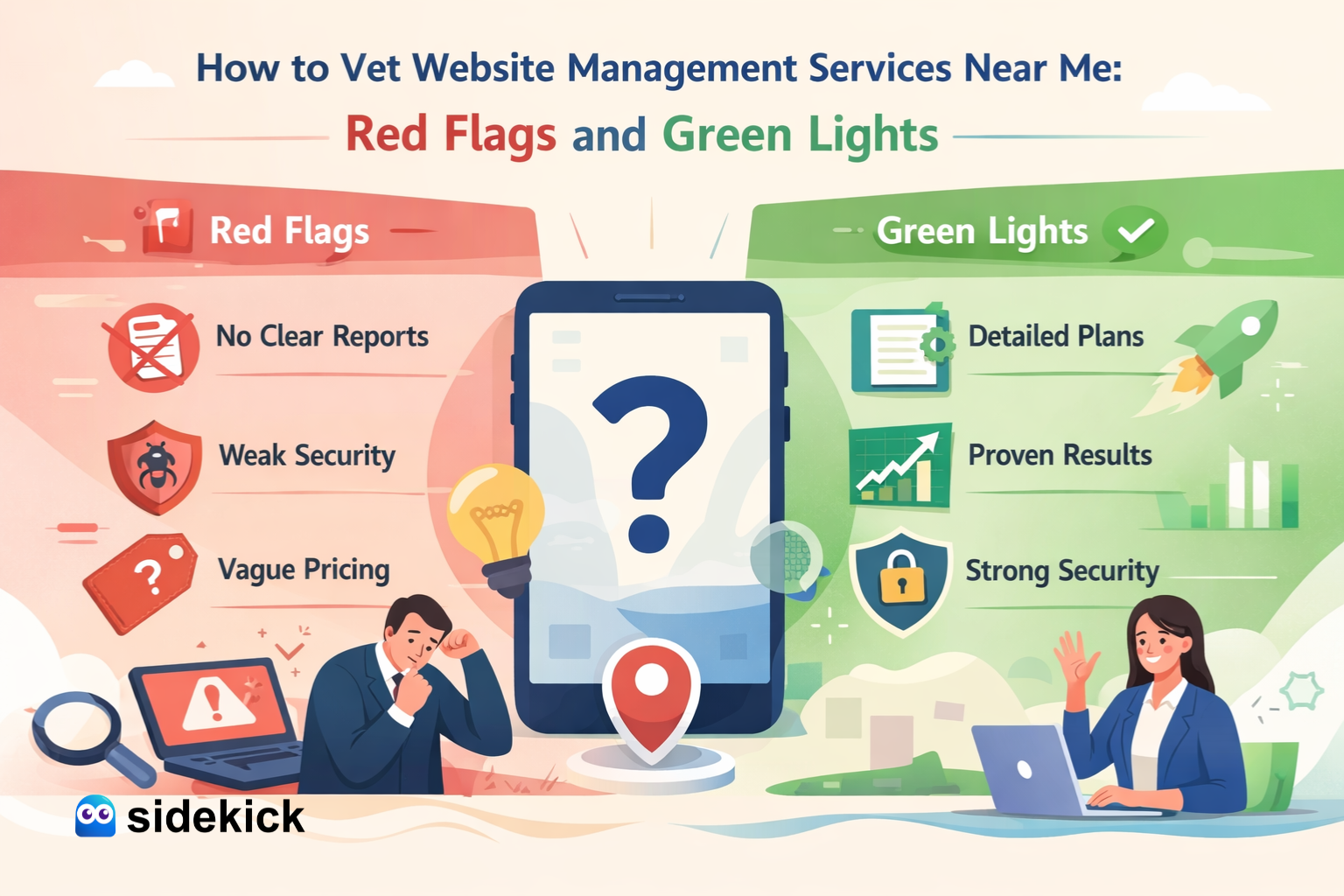
- Green lights (signs you found a solid provider)
- Red flags (walk away signs)
- The vetting process (step-by-step, USA-friendly)
- A simple growth chart example
- USA case study (SaaS-style service approach)
- Benefits you should expect
- 5 FAQs (before conclusion)
- Conclusion
Why this matters more in 2026 (especially in the USA)
The SaaS and digital services world is growing fast, and expectations are higher than ever. The global SaaS market was valued around USD 315.68B in 2025 and is projected to grow sharply in the coming years. That means more tools, more integrations, more moving parts—and more chances for things to break if your website management is weak.
Also, downtime and security issues are not “rare problems.” Data breaches remain expensive. IBM reported the global average data breach cost hit USD 4.88M in 2024. Even if you’re a small business, one incident can lead to lost trust, lost leads, and cleanup costs.
And yes, speed matters. Google shared mobile benchmark findings: as load time goes from 1 second to 10 seconds, the probability of a visitor bouncing can increase 123%. For most local businesses, that’s real money walking away.
What “Website Management Services” should include (minimum checklist)
If a provider can’t clearly explain these items, that’s a yellow flag.
Core Website Maintenance Services (non-negotiable)
- Uptime monitoring and quick incident response
- Daily/weekly backups with restore testing
- Security updates (CMS, plugins, libraries, server patches)
- Malware scanning + firewall/WAF support
- Performance checks (Core Web Vitals basics, image optimization, caching)
- Broken link + form testing (leads depend on it)
- Monthly reporting (what changed, what improved, what’s next)
Growth add-ons (common in the USA market)
- Local SEO basics (Google Business Profile, citations, on-page fixes)
- Content support (blog updates, landing pages)
- CRO (conversion rate improvements: CTAs, forms, layout)
- SMO support (social content + tracking + landing page alignment)
As a service provider, Sidekick positions website management as both protection and growth—because a site that’s “up” but not converting is still costing you.
Green lights (signs you found a solid provider)
Use this as your quick scoring sheet.
- 1) They give you a clear scope (not fluffy words): Look for phrases like “Here’s what’s included weekly vs monthly”, “Here’s our SLA and response time”, “Here’s how we handle backups and restores”. If you’re buying Website Maintenance Services, you should see a real checklist—no guessing.
- 2) They show proof: portfolio + before/after results: Ask for speed improvements, lead improvements, and security cleanup examples.
- 3) They have a documented process: A real team uses a ticketing system, change logs, staging environment, and approval steps.
- 4) They report in simple terms: A good report answers: What changed? What improved? What risks were found? What’s next?
- 5) They understand SEO + marketing (not just “tech stuff”): Strong providers connect website work to SEO structure, marketing tracking, and landing page conversion.
Red flags (walk away signs)
These are common traps when searching “near me.”
- 1) No backup plan (or they “assume hosting does it”): If they can’t answer how often backups happen, where they are stored, and how fast a restore can be done, that’s a serious red flag.
- 2) They won’t give admin access or they “own everything”: You should always own your domain, hosting, CMS admin, analytics accounts, ad accounts, and key integrations. A vendor can manage—but shouldn’t lock you in.
- 3) One price for “everything”: Website management varies by CMS type, ecommerce vs brochure site, integrations, and traffic/security needs. If pricing is too simple, the service is usually too shallow.
- 4) No security hygiene: If they don’t mention updates, firewall/WAF, MFA, and malware scanning, you’re not buying real Website Maintenance Services.
- 5) “SEO guaranteed #1”: Nobody can guarantee a #1 ranking honestly. What they can guarantee: Technical fixes, Content plan, Tracking + reporting, Consistent improvements.
The vetting process (step-by-step, USA-friendly)
Step 1: Ask 10 direct questions (copy/paste)
- What is included in your Website Maintenance Services each month?
- What’s your response time if the site goes down?
- Do you use a ticketing system or just WhatsApp/text?
- How do backups work and how often do you test restores?
- What security tools do you use (WAF, scanning, monitoring)?
- Do you work on staging before major updates?
- How do you measure success (speed, leads, SEO, uptime)?
- What SEO tasks are included (technical + on-page)?
- Can you share a case study from a USA business?
- If we cancel, how do you hand off access and files?
Step 2: Request a 1-page plan: Any serious provider can send a short plan showing what they’ll fix first, monthly routine, reporting format, and growth roadmap.
Step 3: Run a “trust test”: A good provider will explain in easy English, show examples, and put everything in writing. If you feel confused, they’re not simplifying—they’re hiding.
A simple growth chart example (what good management can change)
Here’s an anonymized Sidekick client example from a USA home services business. The focus was: speed fixes, broken form repair, and consistent Website Maintenance Services.
| Month | Before Sidekick | After Sidekick |
|---|---|---|
| Month 1 | 38 | 38 |
| Month 2 | 35 | 52 |
| Month 3 | 33 | 61 |
| Month 4 | 31 | 70 |
| Month 5 | 34 | 76 |
| Month 6 | 36 | 84 |
What changed in real terms: Form errors were fixed, pages loaded faster (lower bounce risk aligns with Google speed benchmarks), landing pages were updated for better conversion, and local SEO cleanup improved visibility over time. This is the “boring work” that creates real growth.
USA case study (SaaS-style service approach)
Client type: US-based B2B service brand (WordPress + HubSpot forms + GA4)
Problems: Random plugin conflicts breaking pages, Slow mobile performance, No regular Website Maintenance Services routine, Marketing spend wasted due to tracking gaps.
Sidekick solution: Weekly updates + staging checks, Monthly performance tuning, Security hardening + monitoring, SEO + content support (service pages + internal links), SMO support: social posts linked to focused landing pages.
Outcome (90 days): Fewer support emergencies, More consistent lead flow, Clear monthly reporting that aligned website work with marketing goals.
Why this works: it treats website management like a SaaS system—continuous improvements, not one-time fixes. And with breach costs staying high, basic security discipline is a must.
Benefits you should expect (if the provider is truly good)
When Website Maintenance Services are done right, you typically gain: Less downtime and fewer emergency costs, Better speed and user experience, Cleaner SEO foundation (technical + on-page), Better marketing performance (tracking + landing page quality), More trust from visitors (security + consistency). And because SaaS and digital adoption keeps growing, these basics become competitive advantages.
5 FAQs (before conclusion)
- 1) What’s the difference between website management and Website Maintenance Services? Website Maintenance Services focus on updates, backups, security, and performance. Website management is broader: it can include SEO, content, design changes, CRO, SMO, and reporting.
- 2) How much should Website Maintenance Services cost in the USA? It depends on your platform and needs. A simple small business site costs less than an ecommerce or heavily integrated site. The key is transparency: you should see exactly what’s included.
- 3) How do I know if a “near me” provider is actually good? Look for process: tickets, reports, change logs, and real case studies. Avoid providers who rely only on promises and don’t document work.
- 4) Should Website Maintenance Services include SEO? At least the basics, yes—technical fixes, on-page cleanup, internal linking, and reporting. Full SEO campaigns may be a separate package, but the foundation should be included.
- 5) What’s the fastest way to spot a risky provider? If they can’t explain backups, restore testing, security steps, and response times clearly—walk away.
Conclusion
When you search “Website Management Services Near Me,” don’t choose based on location alone. Choose based on process, proof, and clarity. The best providers treat your site like a living business asset: secure, fast, updated, and aligned with SEO, marketing, and SMO goals.
If you want a reliable partner that combines Website Maintenance Services with growth-focused support, Sidekick is built for exactly that—protect the site, improve performance, and help it convert better month after month.